Cleaner conversations
Use local microphone and speaker noise cancellation with familiar device controls.
Windows desktop app
Local noise cancellation, meeting notes, speech-to-text, and push-to-talk Dictate in one Windows workspace.
Designed for daily work
Krisp+ brings the controls you use repeatedly into a quiet, focused desktop experience.
Use local microphone and speaker noise cancellation with familiar device controls.
Capture local notes, transcribe recordings, and keep your work available on this device.
Hold the shortcut, speak, and insert the result into supported text fields without switching apps.
The workspace
Move between file transcription, Dictate, notes, and local status without sending core audio work to a hosted editor.
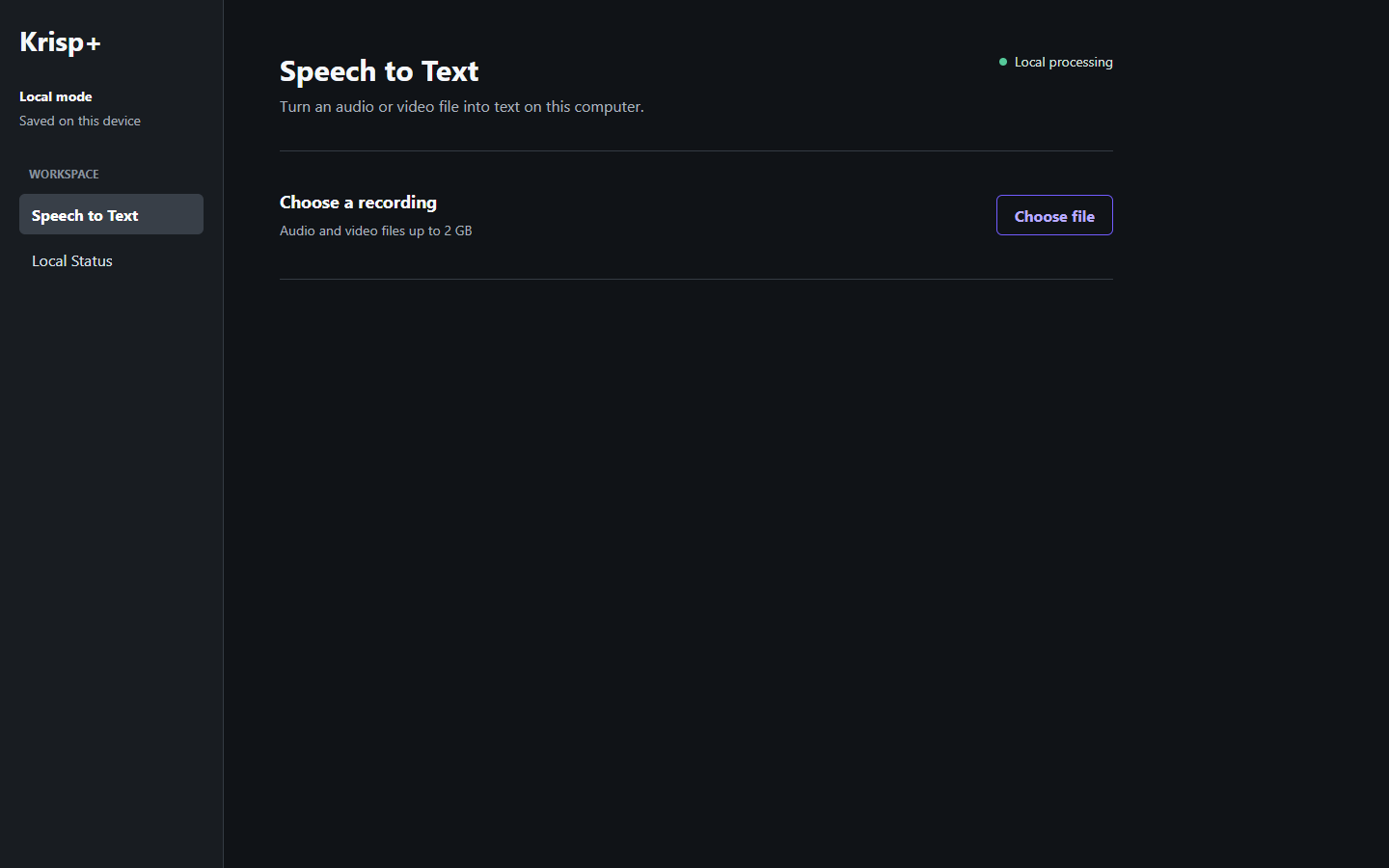
Current release
For Windows 11 x64. The download supports standard browser and download-manager resume.
Windows may ask you to confirm that you want to run the installer. Verify the checksum below before installation when you need an exact file-integrity check.
Start in minutes
Use the stable link above and wait for the download to finish.
Follow the Windows installer, then open Krisp+.
Enter the activation code supplied with your license.
Common questions
The core audio and transcription workflows are designed for local processing. License checks and signed update checks use the internet.
Yes. The installer endpoint supports standard HTTP byte ranges, so compatible browsers and download managers can resume interrupted downloads.
Signed interface content packs can update approved text surfaces without downloading the full installer. Native runtime changes still require a new installer.